

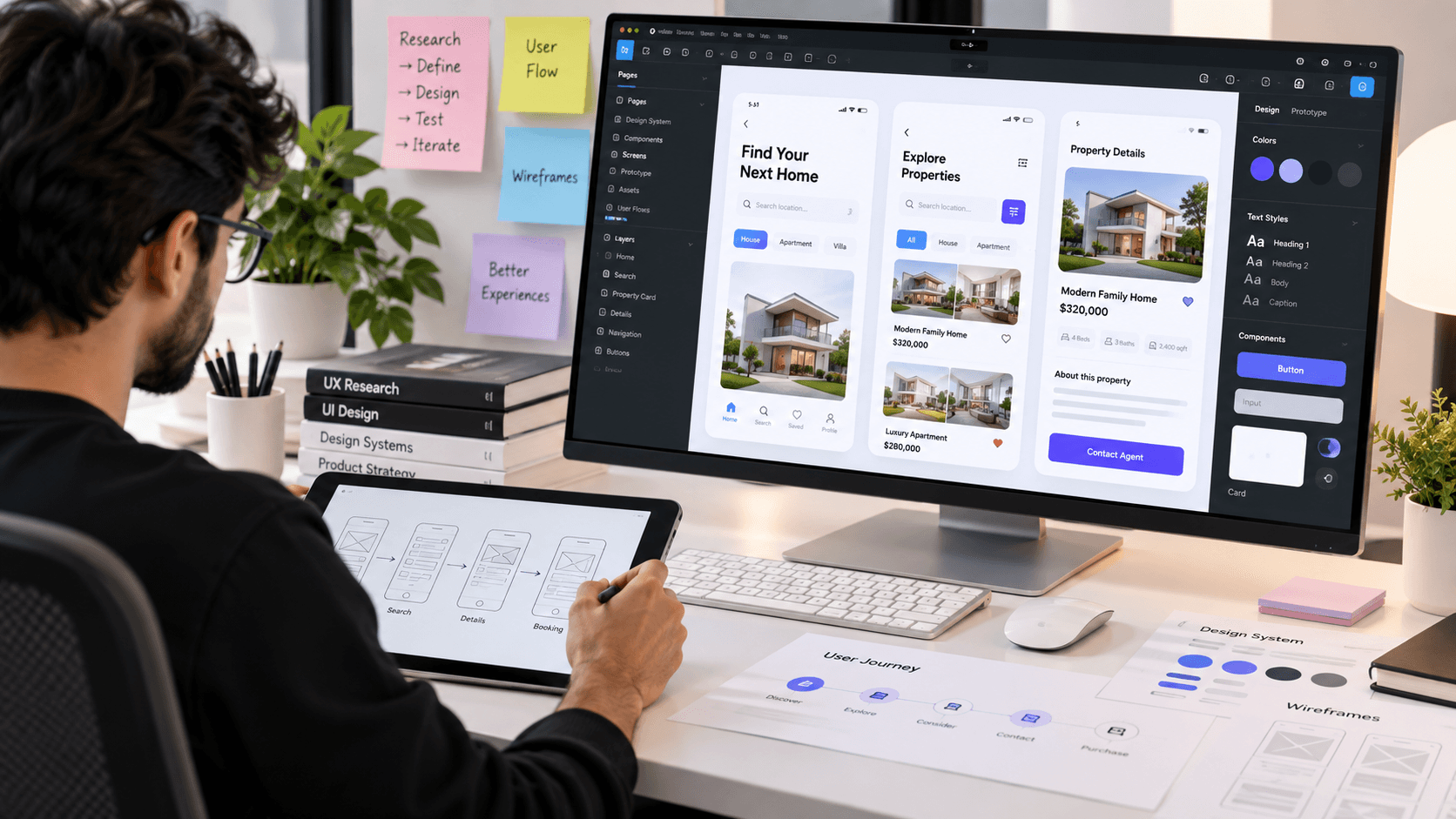
The Complete UX/UI Design Process: From Research to Final Product
Great digital products are rarely created by simply making beautiful screens. Behind every successful app or website is a structured design process that helps designers understand users, solve real problems, and create experiences that are simple and enjoyable to use.
As a UX/UI designer, my goal is not only to make an interface look good but also to make sure that users can understand, navigate, and interact with the product effortlessly.
In this article, we’ll explore the complete UX/UI design process—from the initial idea to the final product.
1. Understand the Problem
Every successful design project starts with a problem.
Before opening Figma, designers need to understand what they are actually trying to solve.
Some important questions include:
- What problem are users facing?
- Who are the target users?
- What is the business trying to achieve?
- What are the current pain points?
- What does success look like?
A clear problem statement gives the entire project a direction.
For example:
Users are struggling to find and compare suitable properties quickly because the current experience contains too many steps and unclear information.
This gives the designer a specific problem to investigate.
2. Conduct UX Research
Research helps designers make decisions based on evidence instead of assumptions.
Depending on the project, UX research can include:
- User interviews
- Surveys
- Competitor analysis
- Usability testing
- Market research
- Analytics analysis
- Customer feedback
Competitor analysis is particularly useful during the early stages because it helps identify common patterns, missing features, and opportunities for improvement.
The goal isn't to copy competitors.
The goal is to understand the market and discover how your product can provide a better experience.
3. Define Users and Their Needs
After collecting research, the next step is to understand the people who will actually use the product.
A designer may create user personas to represent different types of users.
For example:
User: Property Buyer
Goal: Find a suitable property quickly
Pain Point: Too many irrelevant listings
Need: Simple search and filtering
Expectation: Clear property information
Personas help designers keep real user needs at the center of the design process.
4. Create the Information Architecture
Once the users and problems are understood, the next step is organizing the product.
Information architecture defines how information and features are structured.
For a real estate application, the structure could look like:
Home → Search → Filters → Property Details → Agent → Contact
A good information architecture makes it easier for users to understand where they are and where they can go next.
5. Design User Flows
User flows describe the steps a user takes to complete a specific task.
For example:
Search Property
Home → Search → Location → Filters → Property List → Property Details → Contact Agent
User flows help designers identify unnecessary steps and potential friction before creating high-fidelity screens.
6. Start With Wireframes
Now it's time to move into the design stage.
Wireframes are simple layouts that focus on structure rather than visual styling.
At this stage, I focus on:
- Layout
- Content hierarchy
- Navigation
- User flow
- Interaction
- Information placement
Wireframes allow designers and stakeholders to quickly test ideas without spending too much time on visual details.
7. Create High-Fidelity UI Design
Once the structure is validated, the interface can be transformed into a polished visual experience.
This is where UI design becomes important.
The visual system may include:
- Typography
- Colors
- Spacing
- Icons
- Buttons
- Cards
- Forms
- Navigation
- Illustrations
- Components
A strong UI doesn't simply look attractive.
It creates hierarchy and helps users understand what they should do next.
8. Build a Design System
For larger products, maintaining consistency becomes extremely important.
A design system can include reusable:
- Components
- Colors
- Typography
- Spacing tokens
- Buttons
- Inputs
- Cards
- Modals
- Navigation patterns
Instead of designing every screen from scratch, designers can use reusable components.
This makes the product faster to design, easier to maintain, and more consistent.
9. Create an Interactive Prototype
Static screens don't always communicate how a product behaves.
That's why prototypes are important.
Using tools such as Figma, designers can connect screens and create realistic interactions.
For example:
Login → Dashboard → Search → Details → Checkout
Interactive prototypes allow stakeholders and users to experience the product before development begins.
10. Test the Design
A design can look perfect but still be difficult to use.
Usability testing helps identify these problems.
Users can be given tasks such as:
"Find a two-bedroom apartment in Islamabad under your budget."
Then the designer observes how easily they complete the task.
Testing can reveal:
- Confusing navigation
- Unclear buttons
- Missing information
- Difficult interactions
- Unexpected user behavior
The most important part is to observe what users actually do—not what we expect them to do.
11. Iterate and Improve
UX design is not a one-time process.
After testing, designers analyze the feedback and improve the experience.
This may involve:
- Simplifying a user flow
- Changing navigation
- Improving content hierarchy
- Redesigning components
- Removing unnecessary steps
- Improving accessibility
Good products are usually the result of multiple iterations.
12. Developer Handoff
Once the design is finalized, it needs to be communicated clearly to developers.
A proper handoff can include:
- Final UI screens
- Components
- Design tokens
- Typography
- Colors
- Spacing
- Interaction specifications
- Responsive behavior
- Assets
- Prototype links
Tools such as Figma make collaboration between designers and developers much easier.
However, good handoff isn't just about giving developers a Figma link.
Designers should also explain the reasoning behind important interactions and behaviors.
13. Measure the Real Product
The design process doesn't necessarily end after development.
Once the product is launched, real users begin interacting with it.
Analytics, feedback, and usability data can reveal new opportunities for improvement.
Important metrics might include:
- Conversion rate
- Task completion rate
- Drop-off rate
- Engagement
- Retention
- User satisfaction
These insights can then inform the next iteration of the product.
Final Thoughts
UX/UI design is much more than creating visually attractive interfaces.
It's a process of understanding problems, researching users, organizing information, designing solutions, testing assumptions, and continuously improving the experience.
A strong UX/UI designer combines research, strategy, interaction design, visual design, and collaboration to create products that are both useful for users and valuable for businesses.
The best interface isn't necessarily the one with the most impressive visuals.
It's the one that helps users accomplish their goals with the least amount of friction.
Good design looks good. Great design works well.